Python in AEC. The simplest 6-step learning path to automation
Python can be a game changer in AEC. It can help automate repetitive tasks, connect software, process data faster, and build workflows that save hours of manual work.
The problem is that many engineers start learning it in a way that feels far removed from their daily work. They study syntax, small exercises, and generic examples, but still do not know how to use Python in BIM workflows, design automation, or engineering tasks.
That is why the learning path matters so much.
When Python is introduced through real AEC use cases, it becomes much easier to understand both its value and its practical application. Instead of treating programming as a separate world, it becomes a tool that supports the work engineers already do.
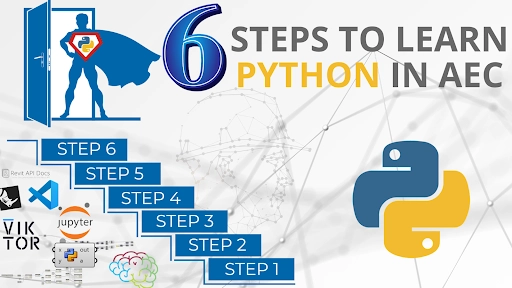
Below is a simple 6-step learning path that helps turn Python into a practical skill for automation in AEC.
6 steps to learn Python in AEC
Table of Contents
Step 1. Start with computational thinking
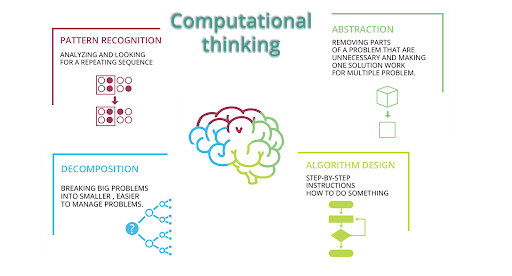
Before writing code, it is important to learn how to think like a computer.
Computational thinking means breaking a problem into clear parts. What are the inputs? What logic needs to happen in the middle? What output do you want at the end?
This is already familiar to engineers. We solve problems in a structured way, but programming forces us to make every step explicit. A computer does not guess. It only follows instructions.
Coding is just communicating with a very literal machine.
For example, if you want to automate a structural design task, you need to clearly define:
what data comes in
what rules or formulas should be applied
what result should be produced
This step matters because coding becomes much easier when the logic is already clear. In practice, computational thinking is the foundation for all automation in AEC.
Step 2. Learn logic visually with Grasshopper
A very effective next step is visual programming.
Grasshopper is one of the best environments for this because it allows you to build logic without starting from a blank code editor. You connect components, move data through a process, and immediately see the result.
This is especially helpful for AEC professionals because it reduces the fear of syntax errors and makes programming more visual and intuitive. You can focus on structure, flow, and problem solving.
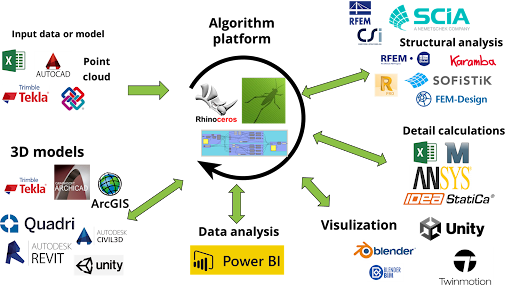
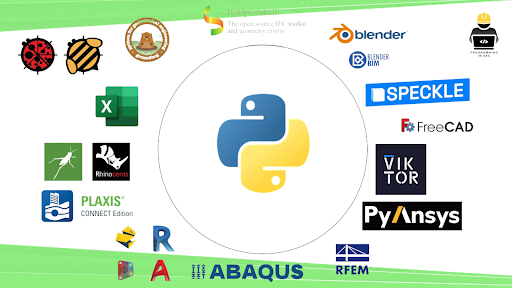
Grasshopper connects to hundreds of tools and plugins.
Grasshopper also has another major advantage. It connects to a wide range of tools used in architecture, engineering, and construction. That means you are not only learning logic. You are already building workflows that can be useful in real projects.
For many people, this is the first point where programming starts to feel practical.
Step 3. Add Python inside Grasshopper
Once visual logic feels comfortable, the next step is to introduce Python inside an environment you already know.
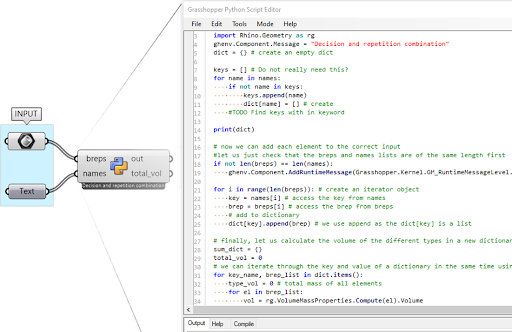
Grasshopper makes this easier through Python scripting components. Instead of leaving your workflow and starting from scratch in another tool, you can write small pieces of Python directly inside your visual definition.
This is a great transition point.
You are still working with familiar inputs and outputs, but now you can use text-based code when it gives you more flexibility. That might mean:
writing custom loops
processing lists and data more efficiently
building your own logic where standard components are not enough
using external Python libraries
Rhino 8 supports Python 3
In Rhino 8, Python 3 support makes this step even more valuable. It opens the door to useful libraries such as NumPy for calculations, pandas for Excel and CSV data, matplotlib for charts, IfcOpenShell for IFC workflows, or structuralcodes for structural design tasks.
At this stage, Python stops feeling abstract. It becomes part of a real design and engineering workflow.
A practical shortcut for engineers who want to move faster
Learning Python becomes much easier when you follow examples that are directly connected to AEC workflows.
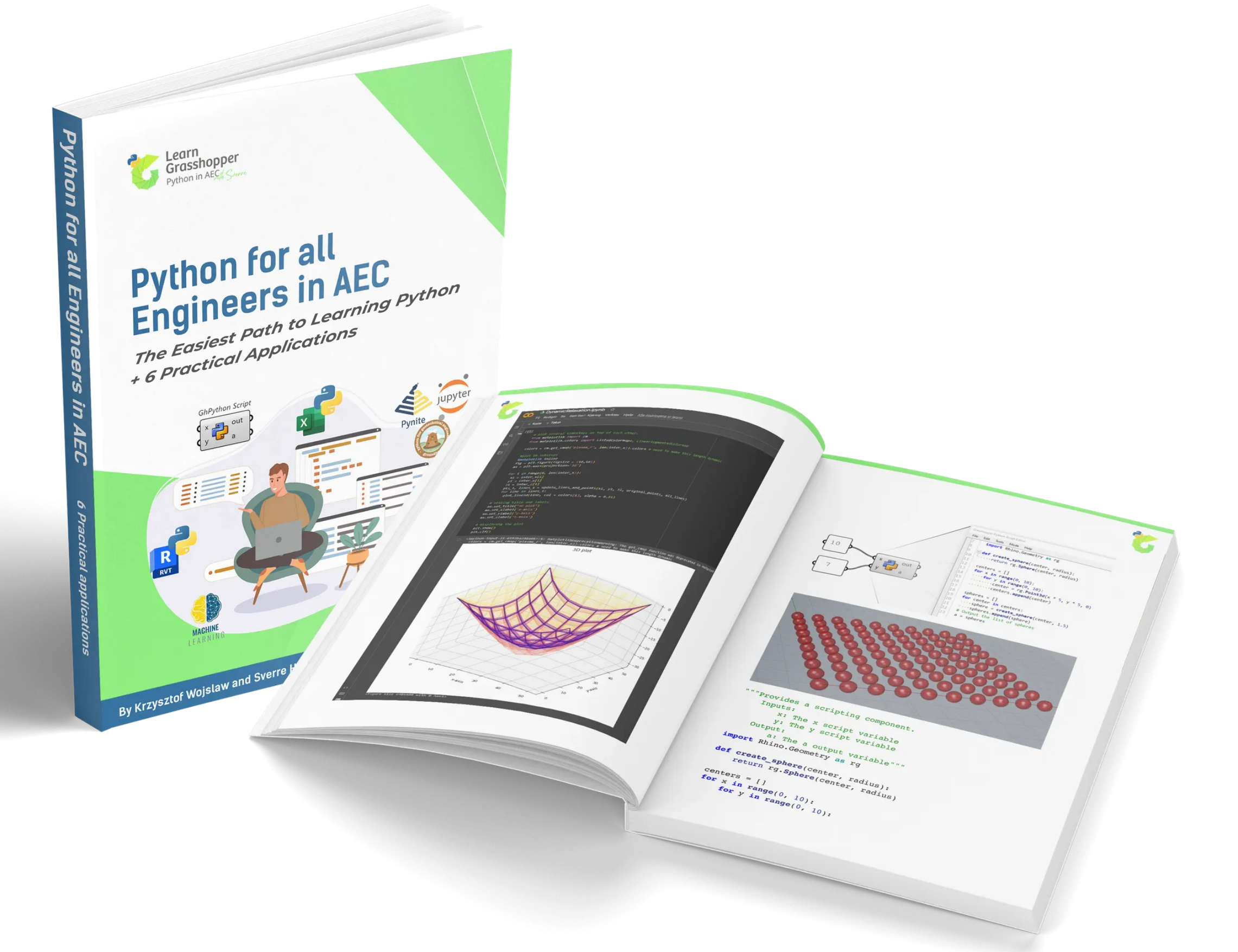
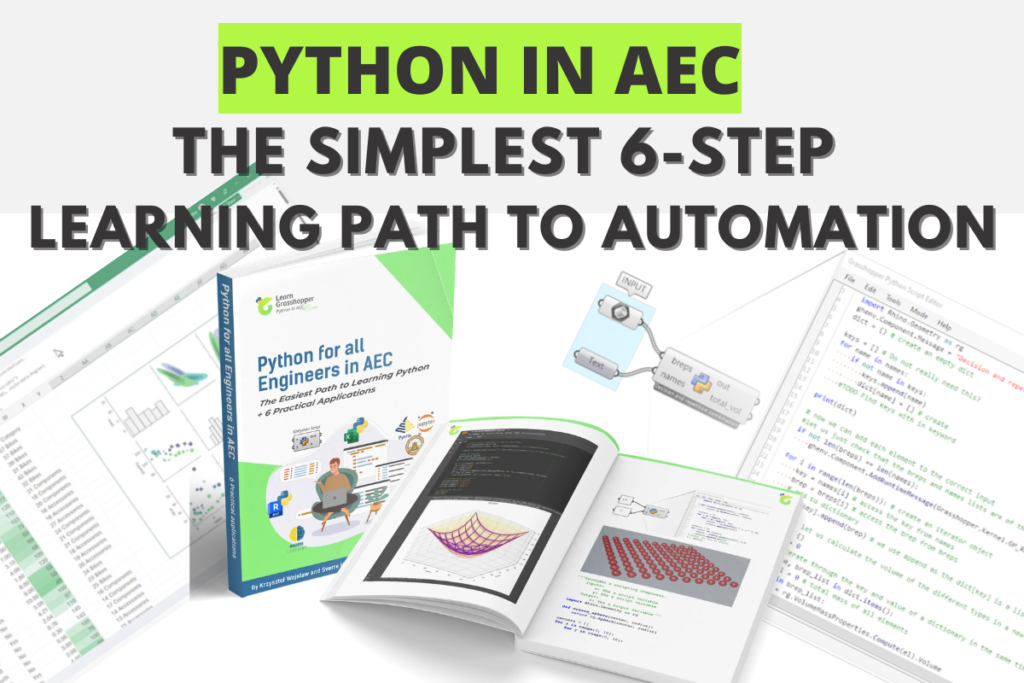
That is exactly why we created the guide “Python for all Engineers in AEC”. It includes a practical learning path and real examples that show how Python can support everyday engineering tasks.
After scripting inside Grasshopper, the next step is to get comfortable with Python in environments outside visual programming.
A good place to start is Jupyter Notebook.
Jupyter is one of the friendliest ways to learn text-based programming because it lets you write and run code in small blocks. You can mix code with notes, charts, tables, and explanations. For engineers, this is extremely useful for testing calculations, documenting logic, and sharing results clearly.
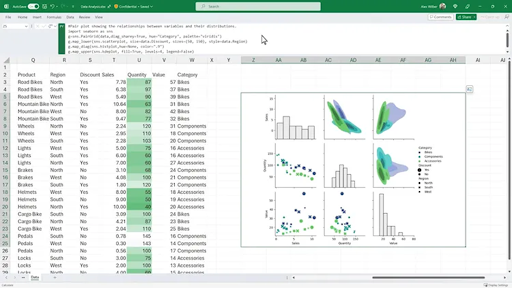
Excel can also be a natural bridge. Many AEC professionals already work with spreadsheets every day. Python can extend this workflow by helping automate repetitive tasks, process data faster, and reduce the need for complex manual formulas or macros.
Yes, the trusty old spreadsheet just got cooler.
This step is important because it helps you become comfortable with code on its own, while still working in tools that feel familiar and relevant.
Step 5. Start using an IDE
Once you are comfortable with smaller scripts, it is time to move into a professional coding environment such as VS Code or PyCharm.
At first, an IDE can look overwhelming. But in reality, you do not need to master everything at once. You just need to start using it for small, practical tasks.
For example, you might create a script that:
reads data from a CSV or Excel file
performs engineering calculations
generates a report
organizes project information automatically
This is where your skills begin to scale.
Working in an IDE makes it easier to organize files, install libraries, debug code, and build larger solutions. It also prepares you for sharing scripts with colleagues and managing projects more professionally.
By this point, you are no longer only experimenting. You are building tools.
Step 6. Connect Python to AEC software APIs
The final step is where Python becomes a serious automation tool.
Most major AEC platforms offer APIs that let you interact with the software through code. This means Python can be used to automate tasks, create custom tools, transfer data, or extend what the software can do out of the box.
Depending on your workflow, that might include tools such as:
Revit
Tekla
AutoCAD
FreeCAD
Blender
Speckle
This is where the value of Python in AEC becomes very clear.
Instead of repeating manual operations, you can create scripts that handle them for you. Instead of accepting the limits of a software interface, you can build your own workflow. Instead of moving data manually between platforms, you can connect them.
With Python you break free from the limits of any single software.
Of course, APIs require patience. Documentation can be complex, and every platform has its own rules. But if you have already built the skills from the previous five steps, learning an API becomes much more manageable. At that point, it is not about learning programming from zero. It is about applying your existing skills in a new environment.
Why this path works
The biggest mistake many people make is starting too far from their real work.
If you begin with generic coding exercises and never connect them to AEC problems, motivation drops quickly. It becomes difficult to see why Python matters.
This 6-step path works because it builds confidence gradually:
learn how to structure problems
practice logic visually
add Python in a safe and familiar environment
move into simple text-based tools
build standalone scripts in a professional editor
connect your code to industry software
Each step builds on the previous one. You do not jump from “Hello World” straight into a complex software API. You develop the mindset and the tools in the right order.
Final thoughts
Python is not just another technical skill. In AEC, it is a practical way to automate repetitive work, improve quality, connect software, and create workflows that save time.
But learning it gets much easier when the path is structured.
If you are an architect, engineer, or BIM professional who wants to start automating your work, do not begin with random tutorials. Start with a learning path that connects programming to the tasks you actually want to solve.
That is where Python becomes useful. And that is where automation starts to make sense.
Ready to go further?
If you want to go beyond the basics and learn Python, C#, Grasshopper, and automation workflows in a structured way, join the next edition of Programming in AEC.
It is a comprehensive training program created for AEC professionals who want to build real programming skills and use them in practice.
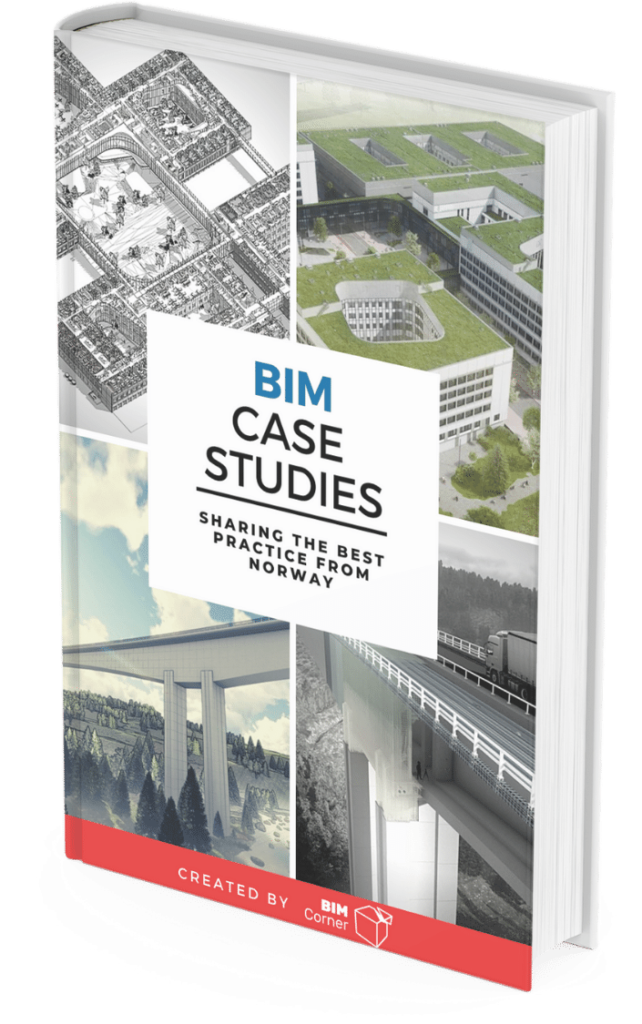
You have successfully joined our subscriber list. Check your inbox. Confirm email in order to get access BIM Case Studies from the biggest Norwegian projects.
Reasons to Subscribe to the BIM Corner List:
BIM CASE STUDIES
After reading this guide, you will learn:
How BIM is used on the biggest projects in Norway
What were the challenges for the design team and how were they solved
What were the challenges on the construction site and what was our approach to them
News From BIM World
Every Thursday you will get a package of news and useful links from the BIM world.
No Hype
Just real content that’s meant to make a difference in your BIM knowledge.
This site uses cookies to offer social functions, analyze traffic and conduct remarketing activities. Details can be found in the privacy policy (info button).