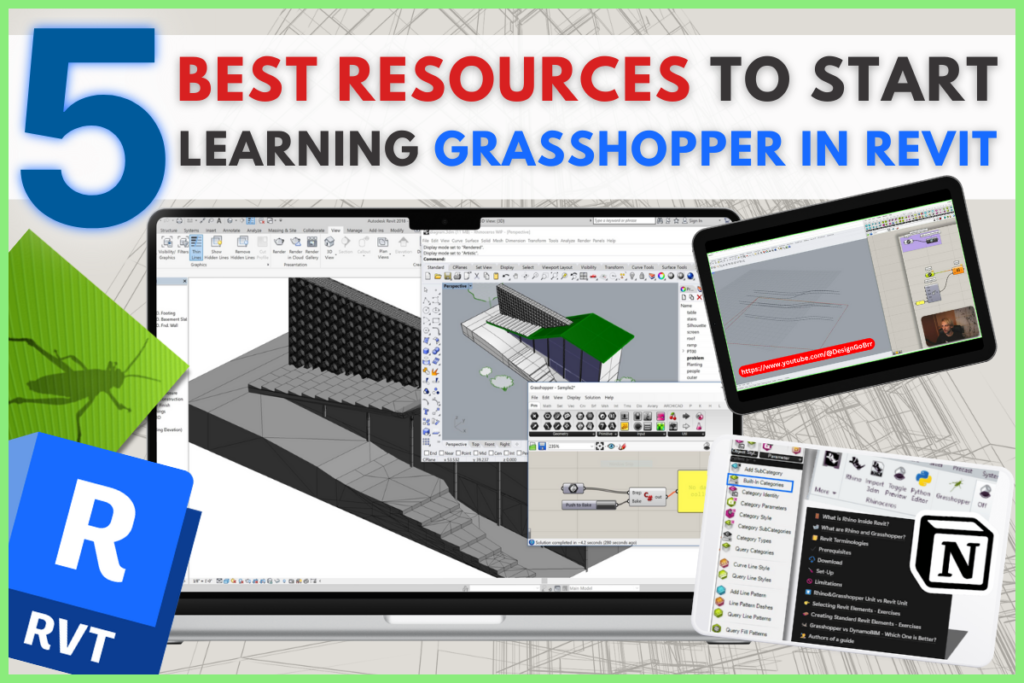




If you’re an Engineer or Architect looking to dive into Grasshopper inside Revit, you’re in the right place! Whether you’re completely new to it or just need some solid learning resources, here are five of the best places to get started. Let’s keep it simple and straight to the point!
Table of Contents
1. Official Rhino & Grasshopper in Revit Documentation
The best place to start is the place where it all started!
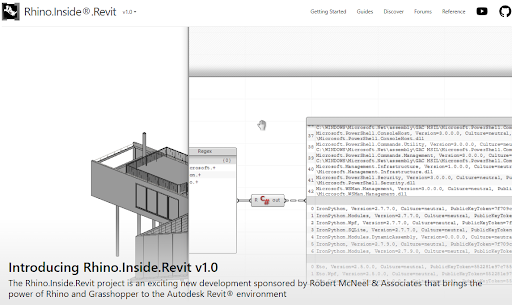
McNeel invested a lot of money and effort to develop Rhino Inside technology and, more importantly, made sure it’s well-documented. Their official Rhino Inside Revit documentation is crystal clear and covers everything from setup instructions to sample scripts and API references.
You’ll also find explanations of all available components and updates, plus it’s the place to download the latest Rhino Inside Revit version. The best part? Everything is kept up-to-date as new features roll out, so you won’t be stuck using outdated data.
Bonus: C# and Python in Grasshopper
If you’re looking to take your skills beyond visual programming, learning C# and Python in Grasshopper is a game-changer. These languages allow you to extend Grasshopper’s functionality and interact with Revit at a deeper level. There are plenty of great resources out there to help you get started, from official documentation to community-driven tutorials.
2. Start with Grasshopper in Revit - A Comprehensive Guide
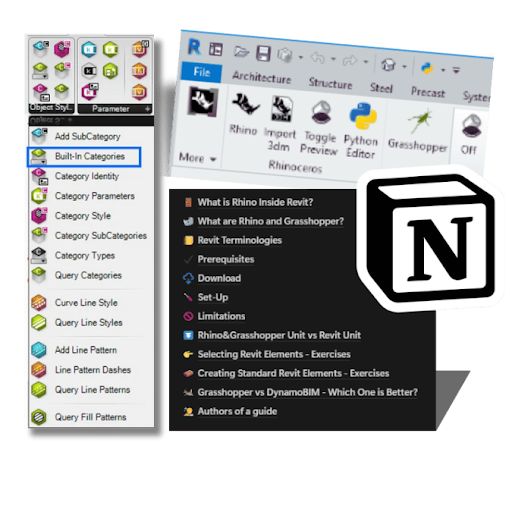
If you prefer a step-by-step tutorial, Junghwo Park and I have put together something really cool for you!
This guide walks you through everything you need to know about Grasshopper and Parametric Design in Revit, from installation to practical exercises. We’ve structured it to help you avoid common mistakes and build up your skills quickly.
You’ll learn how to set up the connection, create parametric elements, and optimize workflows to save time on repetitive tasks. Plus, we cover real-life applications, so you’ll see exactly how Grasshopper can be used in engineering and architectural projects.
3. Hands-on Rhino inside Revit Workshop Series
The theory is great, but nothing beats hands-on practice! These workshops will help you apply Grasshopper in Revit for real-world engineering projects. You can register to get all materials: Grasshopper and Rhino files for further studying.
Each workshop focuses on a different topic, giving you a structured approach to learning:
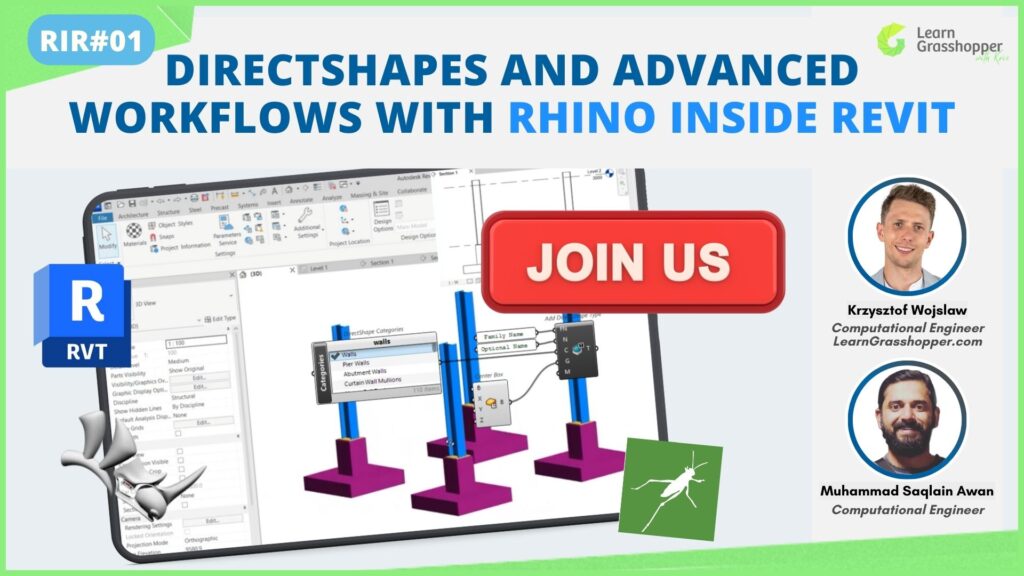
- DirectShapes in Revit – Learn how to generate complex geometries and send them to Revit as DirectShapes. Check it out here >>
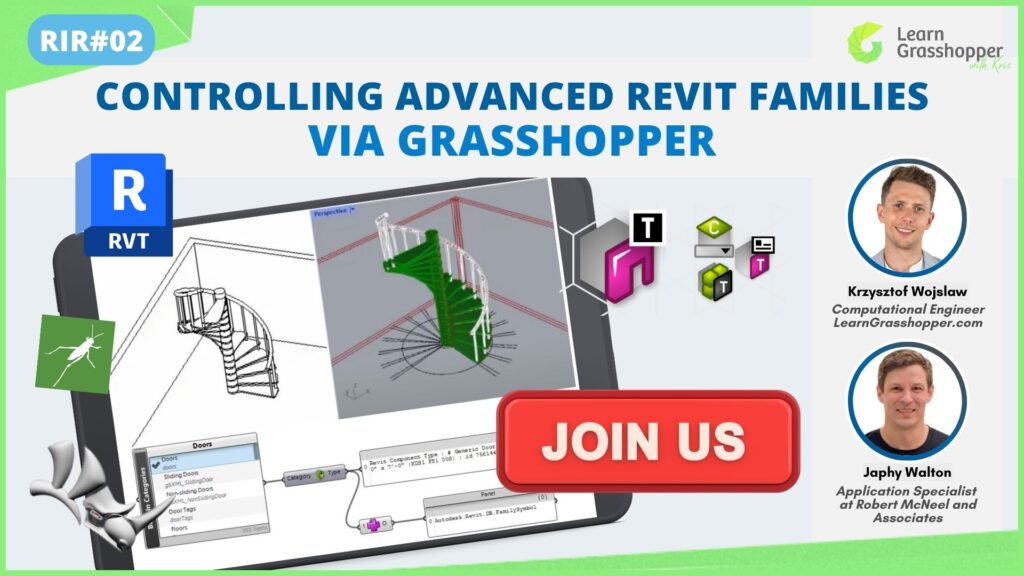
- Working with Revit Families – Understand how to manipulate and generate Revit Families parametrically. Learn more here >>
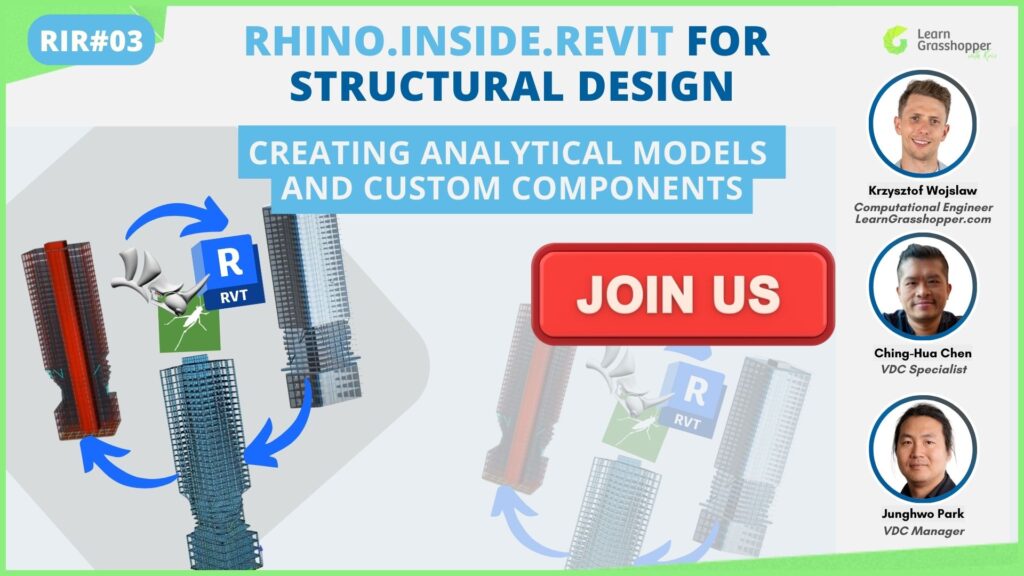
- Structural Elements in Revit – Explore how Grasshopper can help automate the creation of beams, columns, and other structural elements. Start here >>
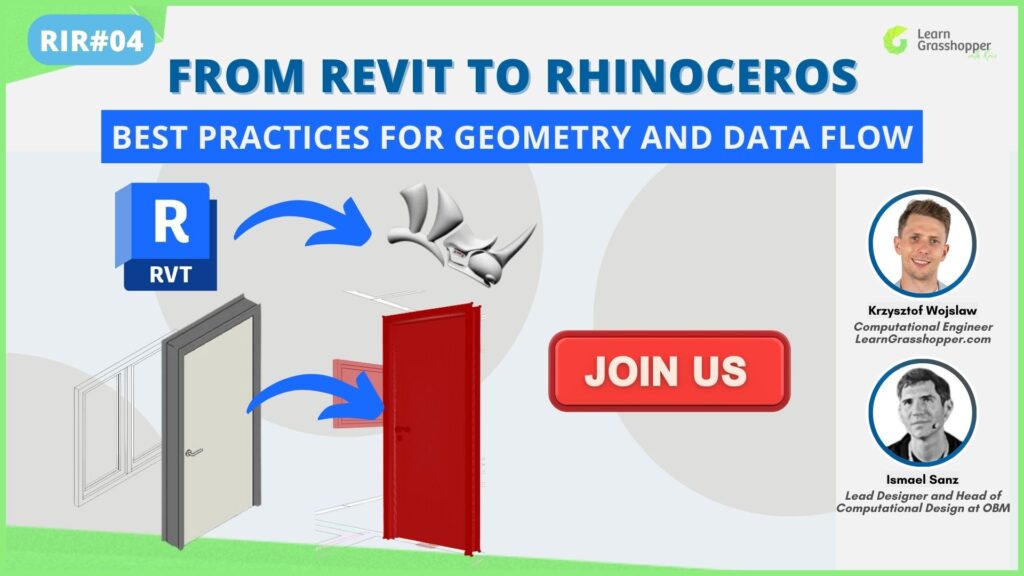
- Rhino-Revit Integration – Learn how to smoothly transfer geometry and data between Rhino and Revit. Explore now >>
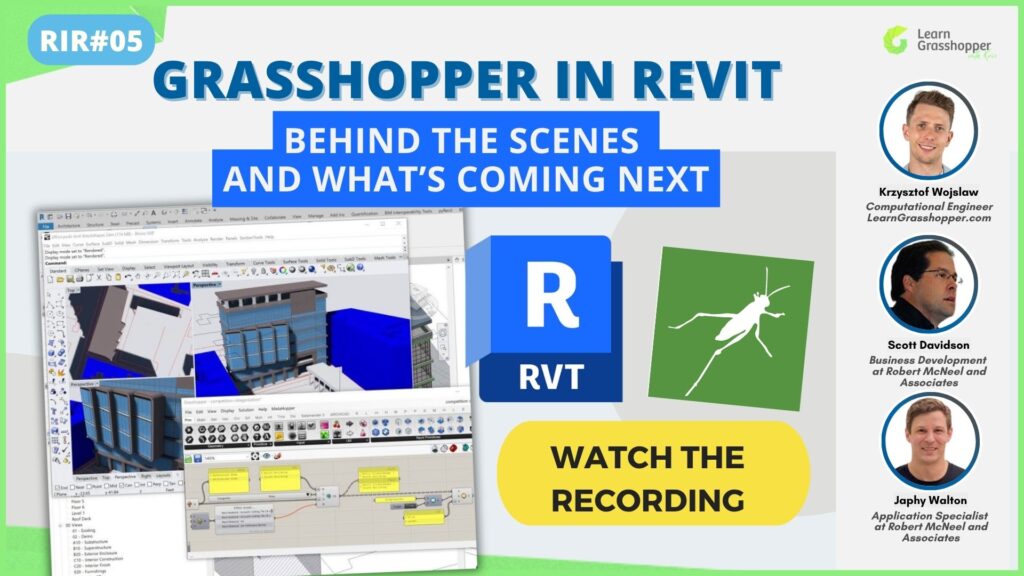
- Behind the Scenes and What’s Coming Next – Discover how Rhino.Inside.Revit works, who’s using it, and what’s coming next. From behind-the-scenes tech to future plans, this session covers everything you need to know about RIR. Explore now >>
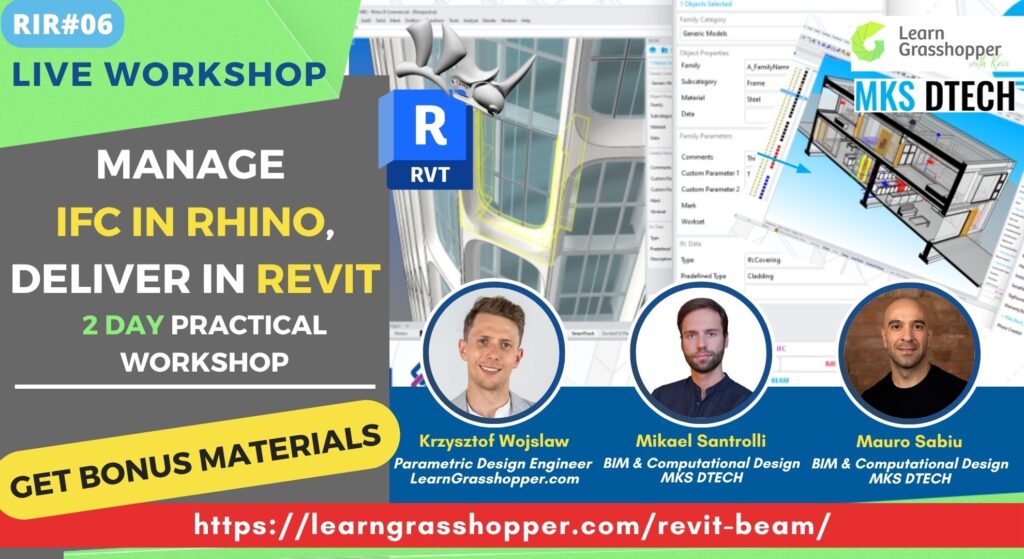
- Manage IFC in Rhino, Deliver in Revit. 2 day practical workshop – Learn how to manage IFC in Rhino, automate with Grasshopper, and deliver clean Revit models without endless trial and error. Explore now >>
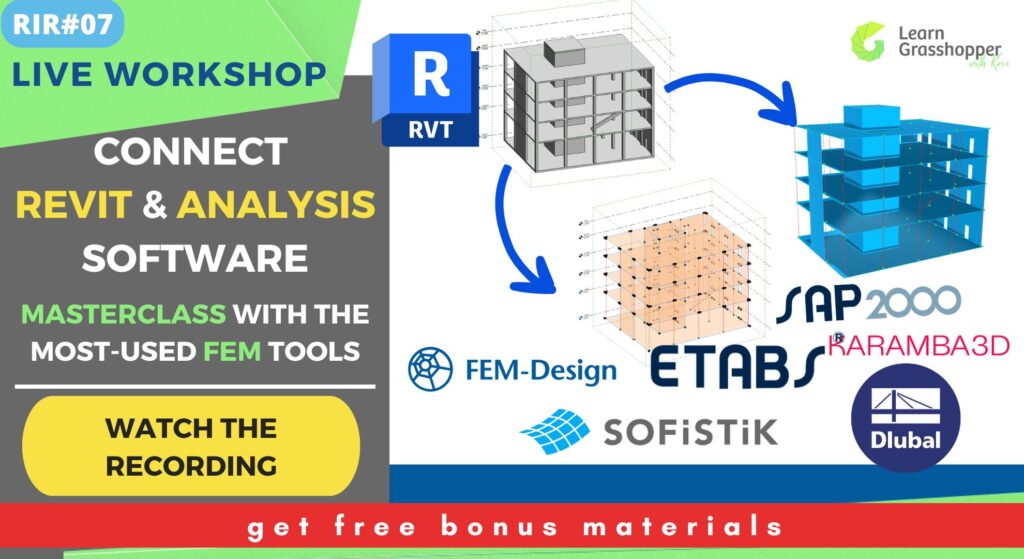
- Connect Your Revit & Analysis Tools. Masterclass with the most-used FEM software – Learn how to run both worlds from a single Grasshopper “master model” that keeps a detailed Revit BIM model and a simplified FEM model perfectly in sync. Explore now >>
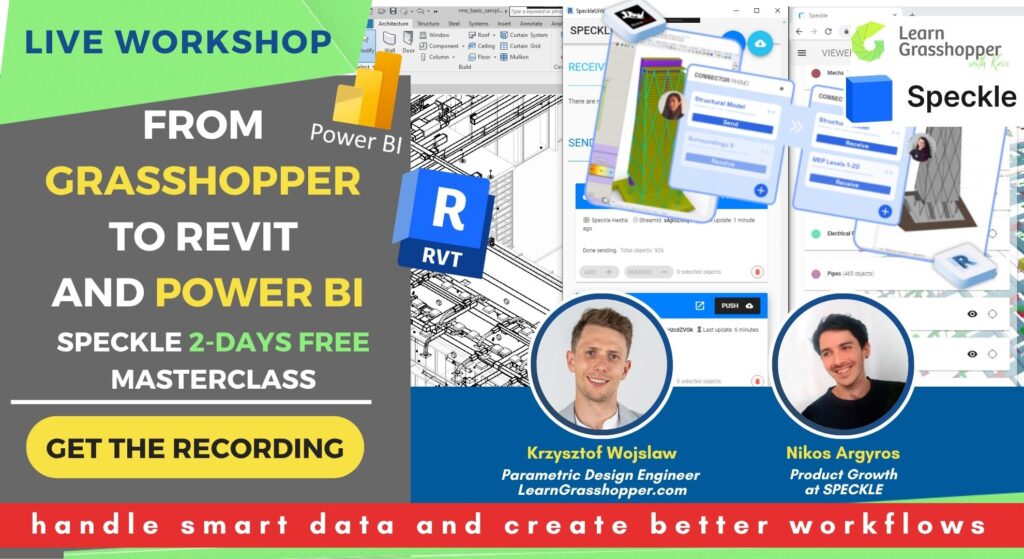
- Speckle Masterclass: From Grasshopper to Revit and Power BI – Learn how to connect Grasshopper, Revit, and Power BI to save time, reduce errors, and work more efficiently. Explore now >>
- Epic Battle: Dynamo vs Grasshopper for Engineers & Architects – See Dynamo and Grasshopper tackle the same Revit tasks side by side, so you’ll finally know which tool to use where—and why. You’ll leave with a clear, repeatable decision path you can apply on live projects. Explore now >>
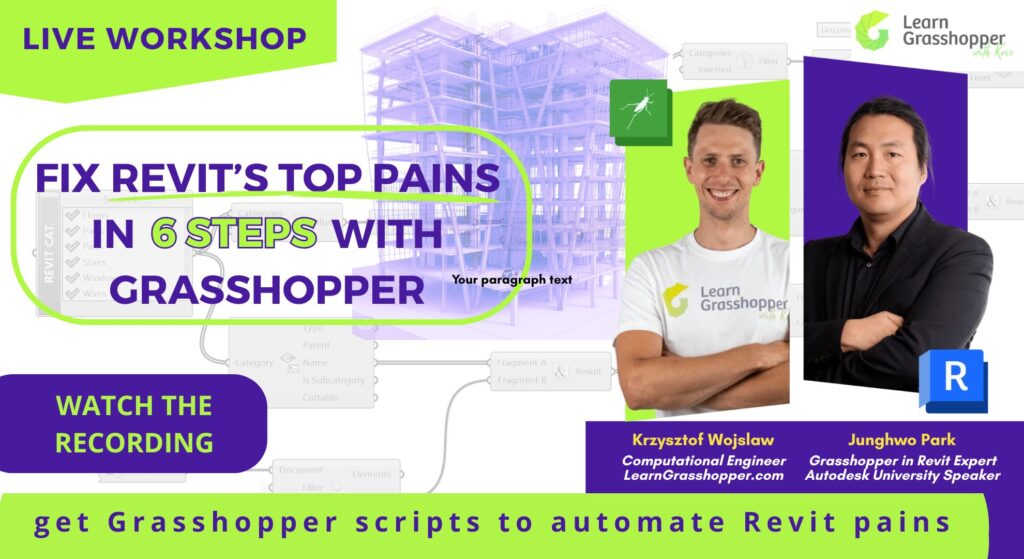
- Fix Revit’s top pains in 6 steps with Grasshopper – Get immediate, practical takeaways: the session recording, slide deck, and Grasshopper scripts so you can set up Rhino.Inside correctly, keep models fast, and ship clean, consistent docs on your next project. Explore now >>
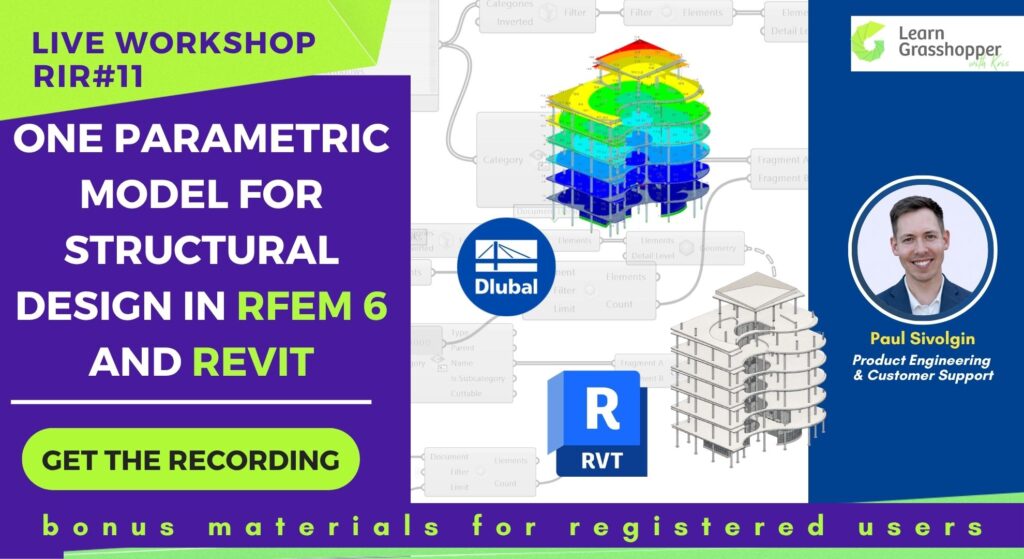
- One parametric model for structural design in RFEM 6 and Revit – See how to use one parametric Grasshopper model as the starting point for both workflows. Explore now >>
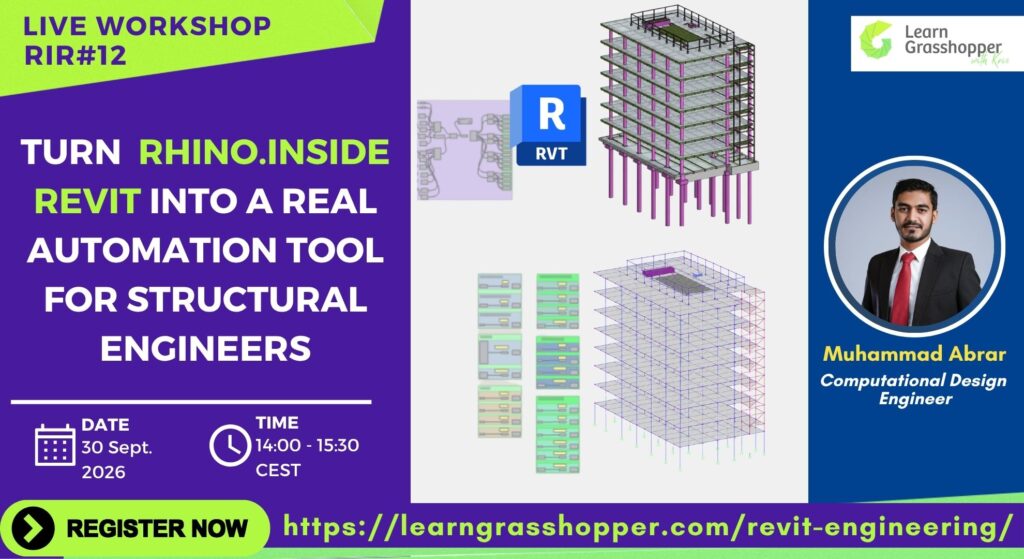
- Turn Rhino.Inside Revit Into a Real Automation Tool for Structural Engineers – See how Rhino.Inside Revit can help structural engineers automate repetitive modeling tasks and avoid rebuilding the same things by hand. Explore now >>
These workshops are practical, to the point, and perfect for engineers looking to get things done without spending hours searching for tutorials.
4. Rhino inside Revit People to Follow
Want to stay updated and learn from the best? Here are some amazing experts regularly sharing tips, tutorials, and industry insights. These folks are active on YouTube, LinkedIn, and newsletters, so you can pick the format that suits you best.
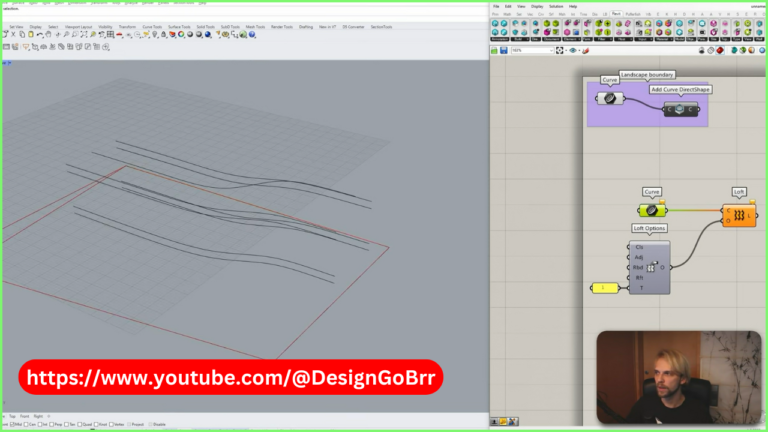
- Gediminas Kirdeikis – A must-follow for Grasshopper enthusiasts. His YouTube tutorials are clear, practical, and super engaging. Watch his videos >>
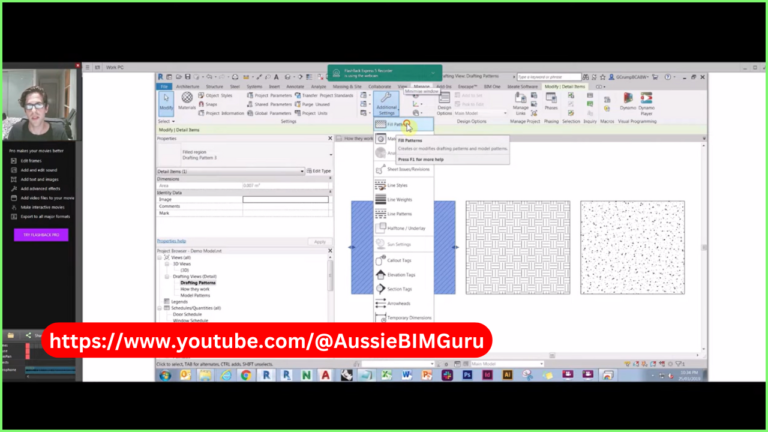
- Gavin Crump (Aussie BIM Guru) – An expert in computational BIM workflows. His videos cover everything from Grasshopper basics to advanced workflows. Check out his YouTube >>
- Isma Sanz – Shares valuable insights on computational design and BIM automation. Follow on LinkedIn >> & Weekly Computational Designers mailing Subscribe here >>
- Muhammad Saqlain Awan – Regularly posts on Grasshopper and parametric design innovations. Follow on LinkedIn >>
- Junghwo Park & Ching-Hua Chen – Great resources on Revit, Rhino, and computational design in general. Watch their videos >>
5. Join the Learn Grasshopper in Revit Community
The best way to learn? Stay engaged! Whether it’s forums, YouTube channels, or live workshops, the computational design world is evolving fast, and the best way to stay ahead is to keep learning and experimenting.
McNeel hosts a super helpful Rhino Inside Revit Forum where you can ask questions, find tips, and explore in-depth discussions about Revit and Grasshopper integration. Whether you’re a beginner or an expert, this forum is packed with valuable insights and active discussions to help you learn and troubleshoot issues quickly.
So, pick a resource, start exploring, and have fun integrating Grasshopper into your Revit workflow!